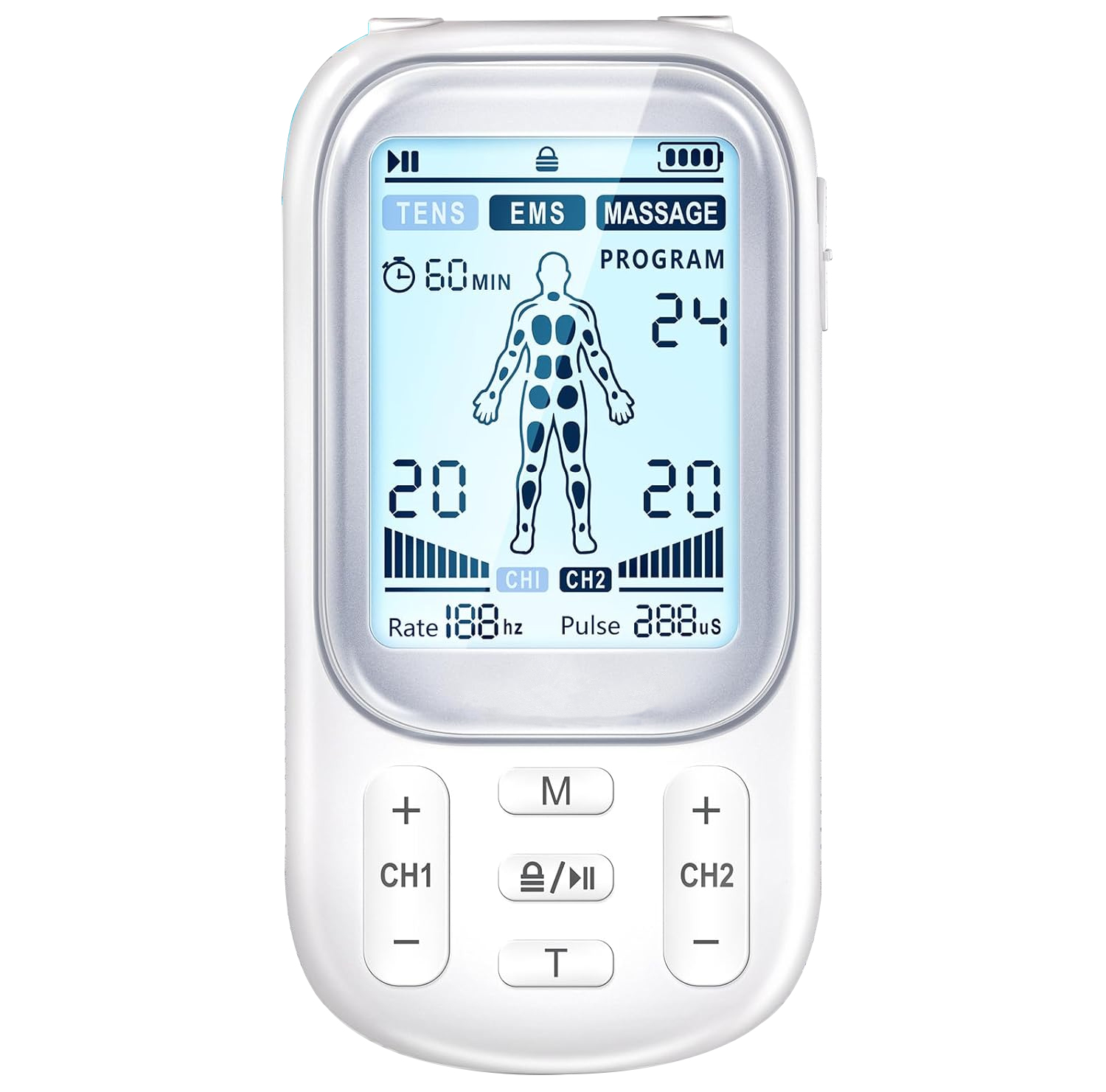
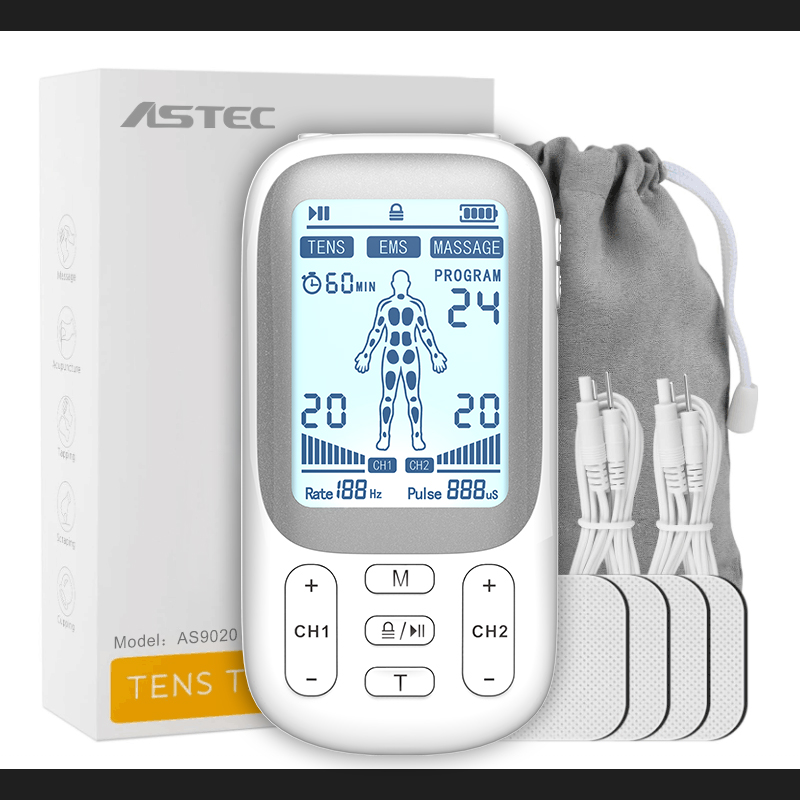
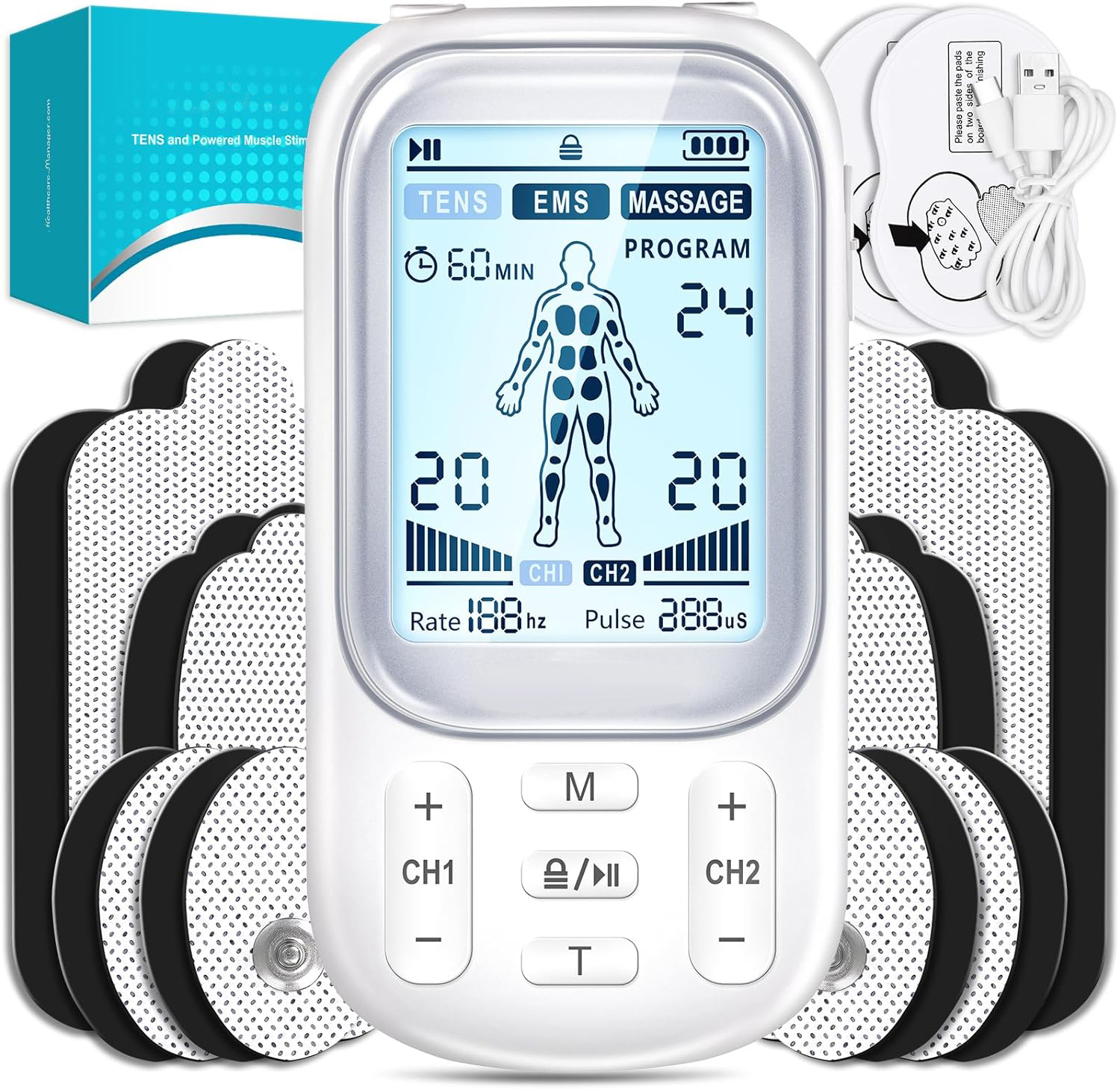
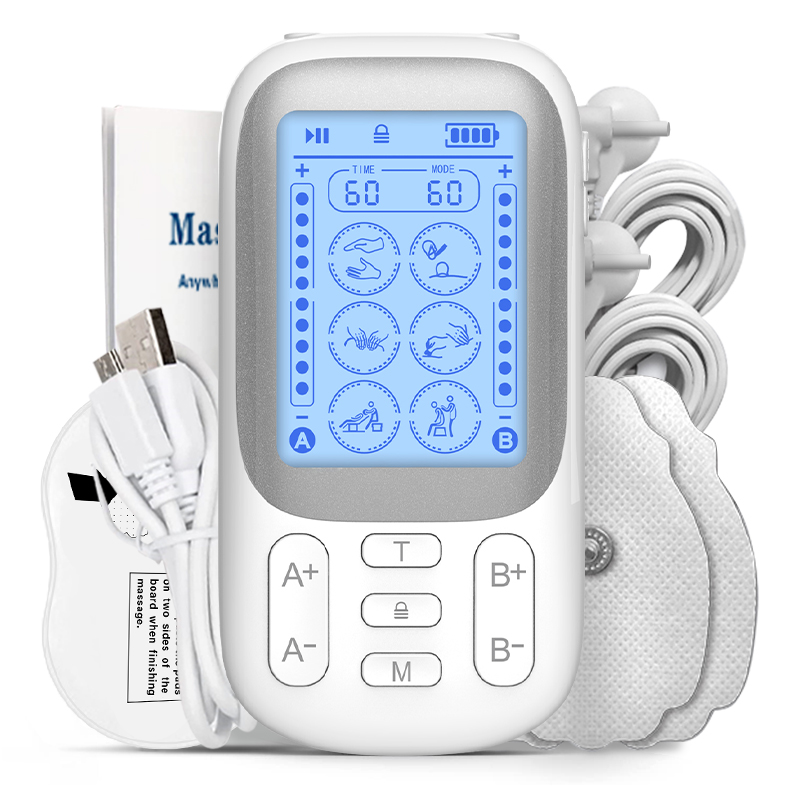
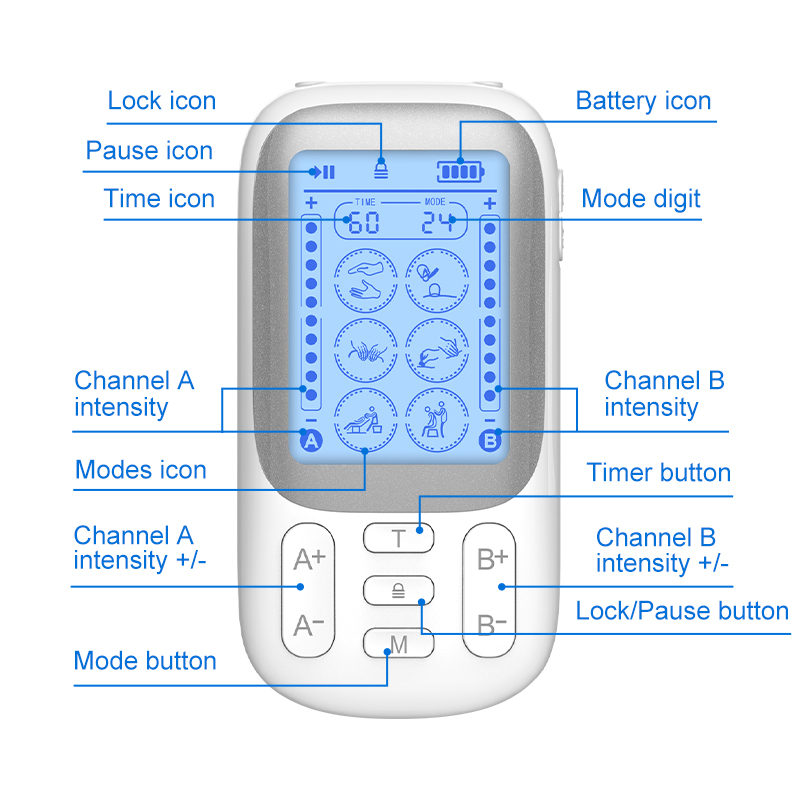
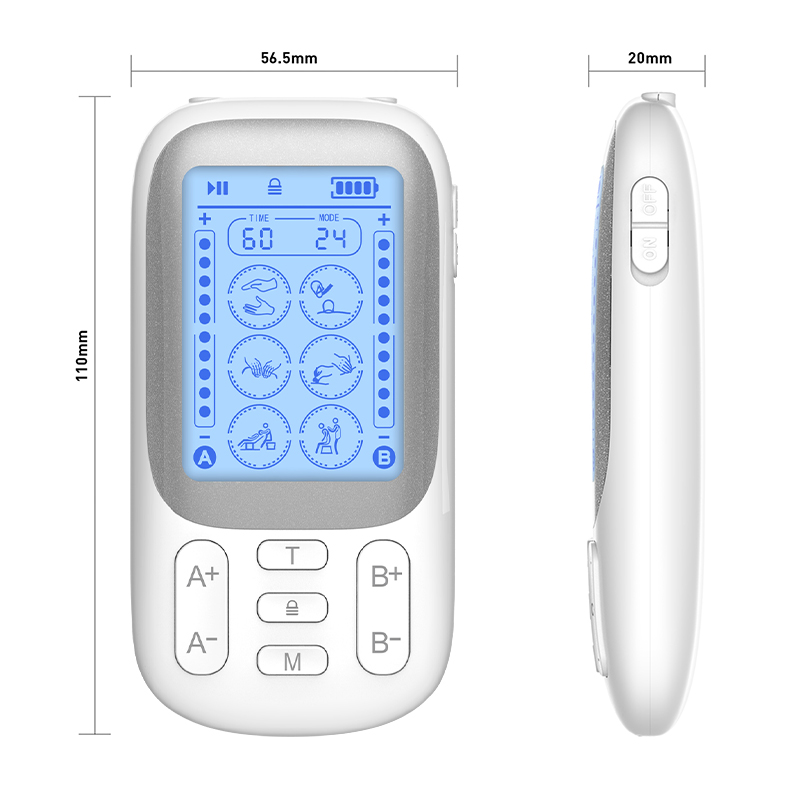
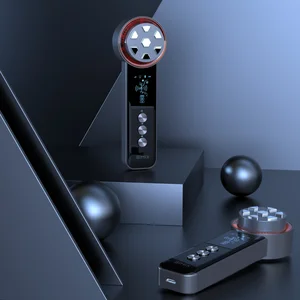
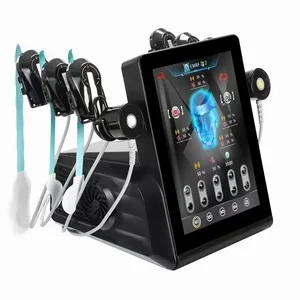
TENS stands for "Transcutaneous Electrical Nerve Stimulation" – a safe, non-invasive, drug-free method of pain relief used by physical therapists and prescribed by doctors for over 30 years. Most users' feedback show that it is a really effective pain management tool. Chosen by sufferers of neck pain, back pain, shoulder tension, tennis elbow, carpal tunnel syndrome, arthritis, bursitis, tendonitis, plantar fasciitis, sciatica, fibromyalgia, shin splints, neuropathy and many more injuries and disabilities.
Function
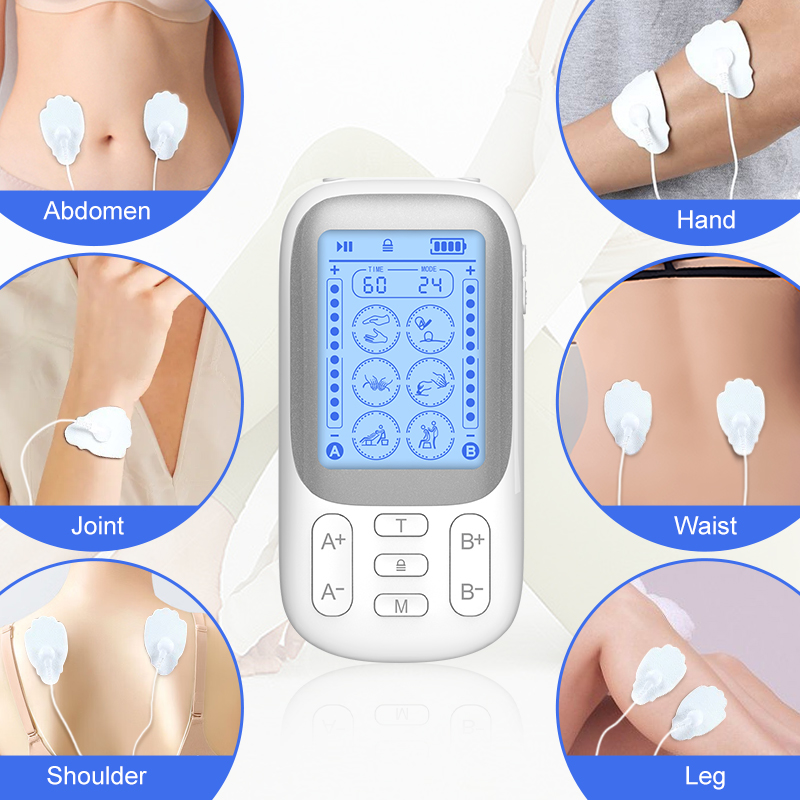
Targeted pain relief: For arms pain, legs pain, shoulders pain, neck pain, waist pain, back pain, etc.
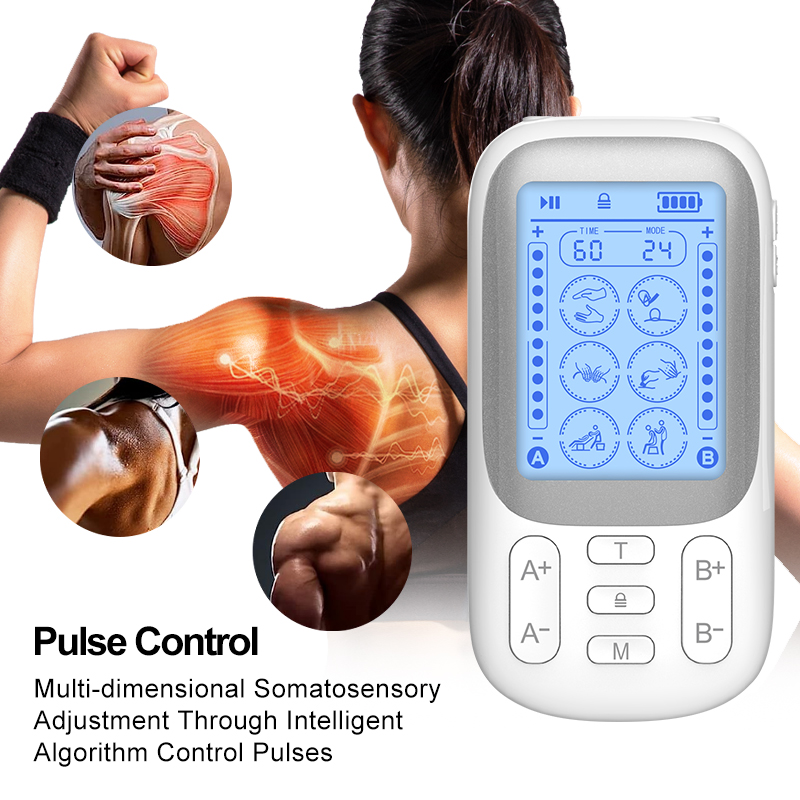
Muscle relaxation.
Multi-site application: for neck, shoulder, back, arm, leg, foot massage.
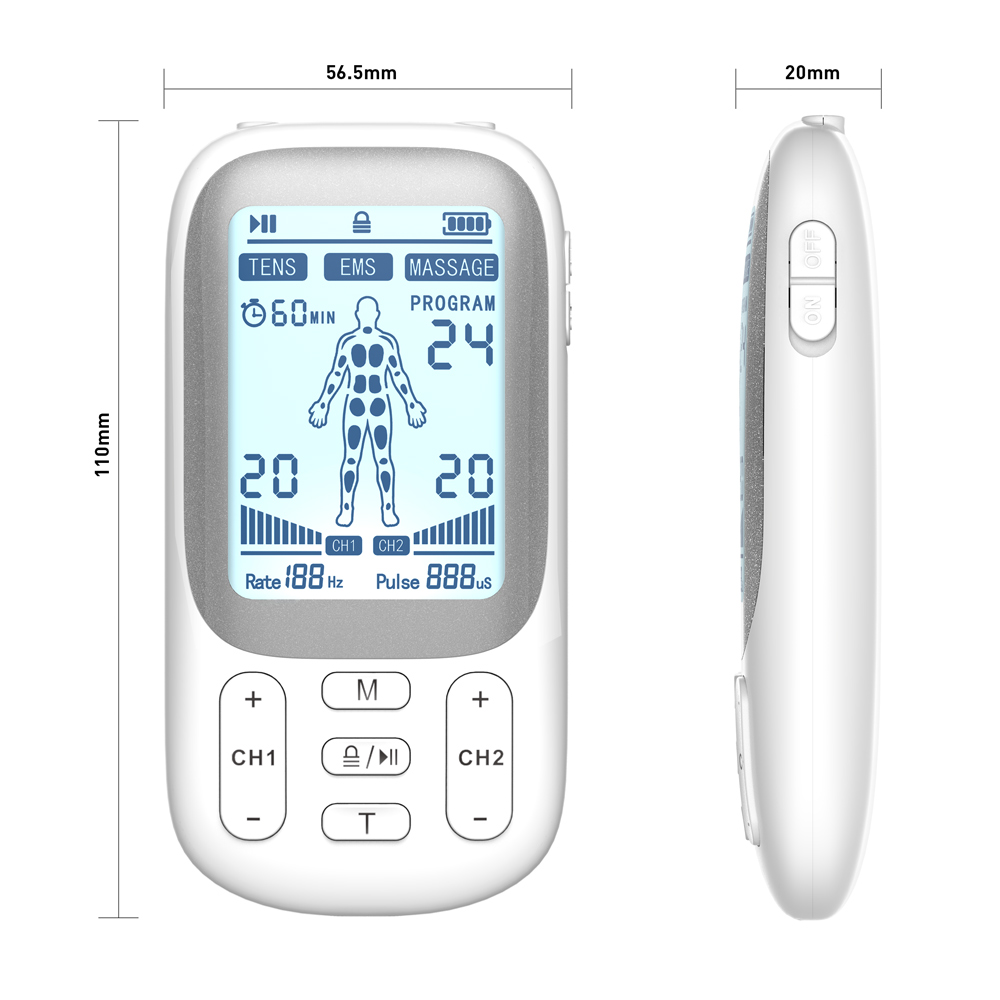
Specification
Product Name
TENS machine
Mode
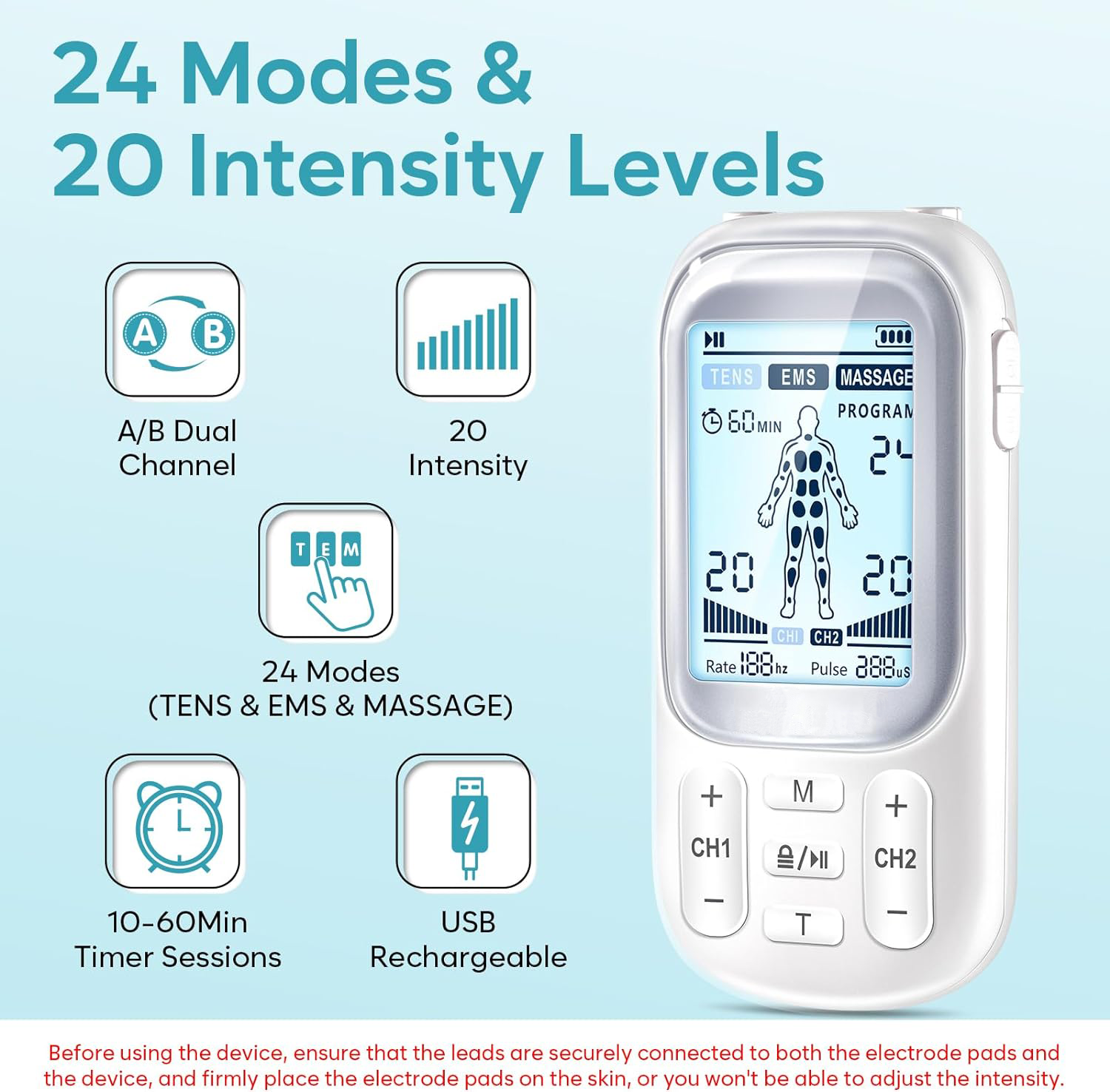
24 Modes
Intensity
20 intensity settings
Power
3.7v 180mAh
Charging method
USB charging
Timer Control
60 Minutes
Custom service
Support Custom LOGO -- Color -- Material -- Function -- Packaging
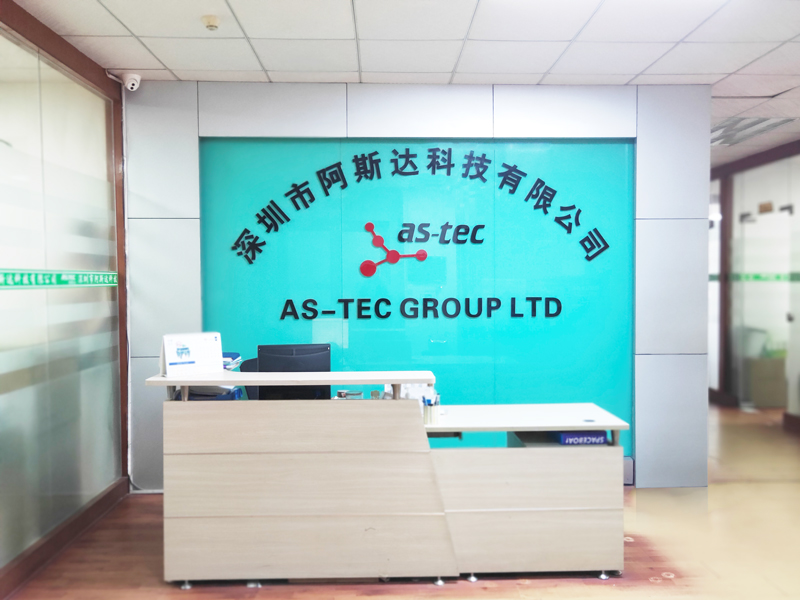
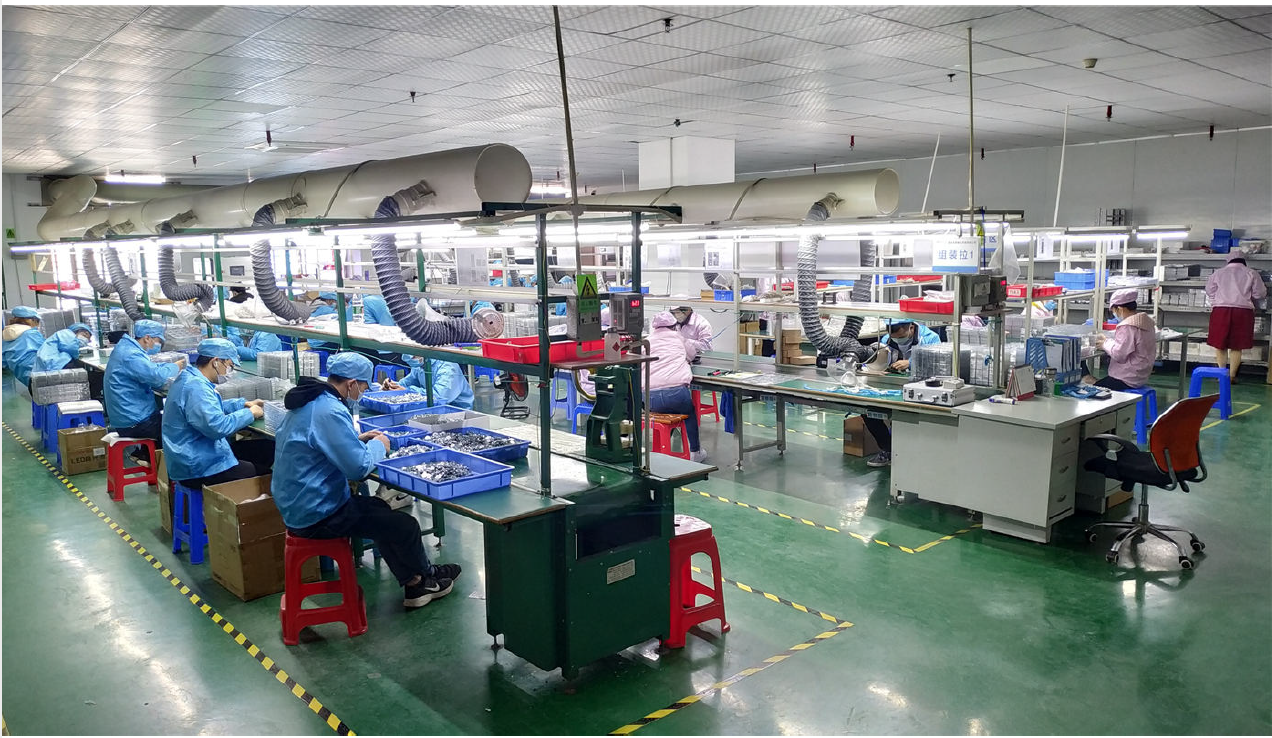
15 years of production & sales experience in healthcare products.
Professional international sales and service team.
Fast development of new, innovative products.
OEM and ODM service configurations available.
Comprehensive line of physical therapy devices, tenscare, and beauty fitness accessories.
Most of our products have CE, RoHS, and 510K approval.
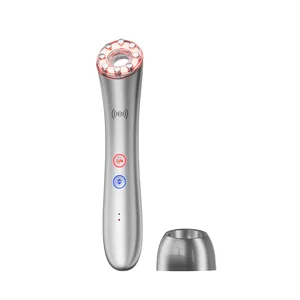
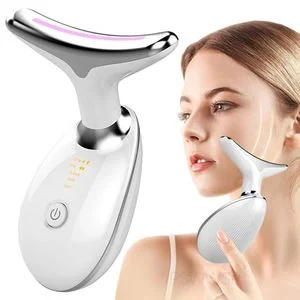
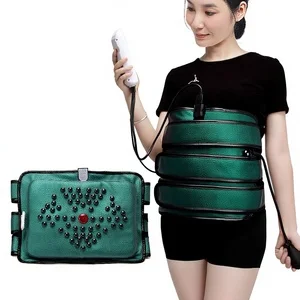
We specialize in healthcare and massager products including: electronic pulse massagers, EMS muscle stimulators, foot massagers, massage belts, massage cushions, beauty massagers, etc. We have more than 10 years' experience in exporting, and our products are well known in many countries all over the world.
Our export experience enables us to have acute insight into the international market. This is why our clients always have new and innovative products for their marketplace. Providing excellent and comprehensive services is our policy. High-quality products with good customer service enable us to keep stable and mutually beneficial business relationships with our clients. We welcome all OEM and ODM orders from old and new customers.
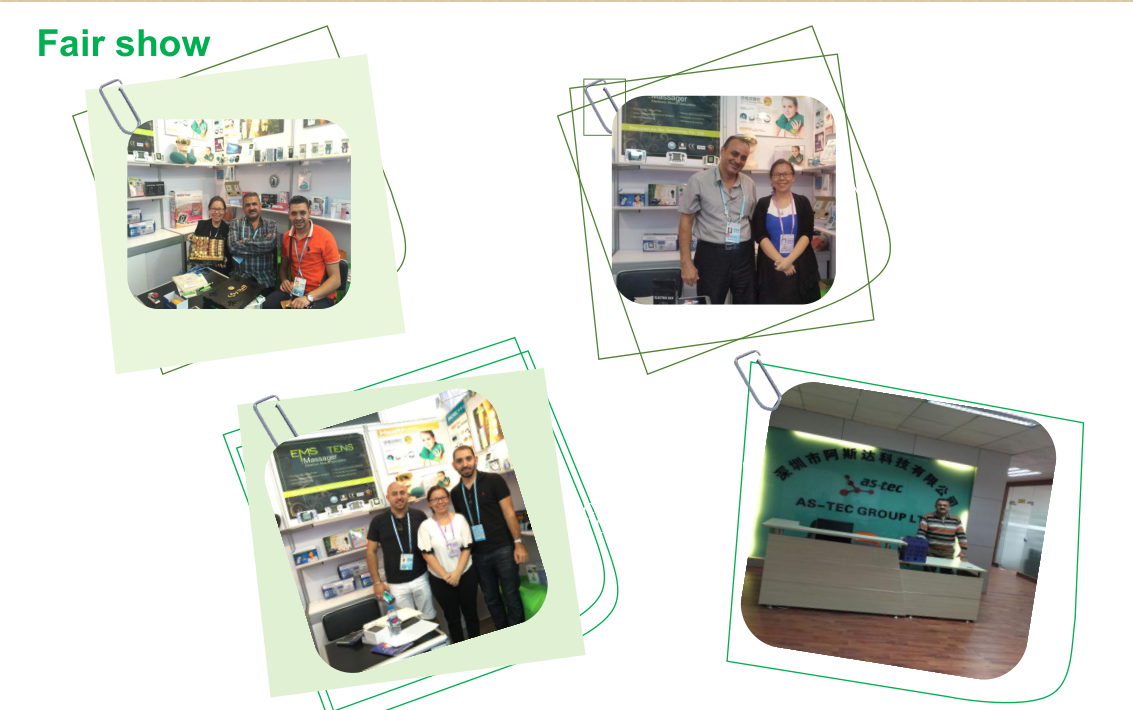
Exhibition
Frequently Asked Questions
1. What certificates do the products have?
We have obtained safety and quality certificates, such as FCC, CE, and others, to ensure quality and safety, allowing our customers to purchase and use them with complete confidence.
2. How does TENS work?
TENS works by passing harmless electrical signals into the body via the electrode pads. This relieves pain in two ways: "high frequency" continuous, mild electrical activity blocks the pain signals traveling to the brain; and "low frequency" or short bursts of electrical activity stimulate the body to release its own natural pain-control mechanisms (beta-endorphins).
3. What are the contraindications for using TENS?
(1) Never use this product in concurrence with pacemakers or any other embedded electronic medical devices, heart-lung machines, or electrocardiographs. Simultaneous use will cause malfunction and can be dangerous. (2) Do not use this device on patients whose pain syndromes are undiagnosed.
4. Is it safe to use this stimulator?
(1) Electronic stimulation is generally very safe, but the recommended contraindications should be carefully followed. Consult a medical professional when in doubt. (2) Do not dismantle the unit. Install and run it in accordance with the provided EMC information to avoid interference from mobile RF communications equipment.
5. Where should the electrode pads be placed and how long do they last?
Pads can be applied to muscles and specific pain points, but must be kept away from the heart, positions above the head/neck, throat, and mouth. For home use, they generally last 30-40 times depending on care. If they become dirty or lose stickiness, moistening the surface slightly with water can temporarily restore adhesion.
6. What should I do if the device does not function or causes discomfort?
If you feel discomfort, shift the pads slightly and begin using the device from the lowest strength and speed, increasing it step-by-step. If there is no output, check the battery level and inspect the pads to make sure they are clean. Ensure all cable connections are secure before starting.
 Luminor Beauty